
[AD] What Are the Differences Between Tempdrop 2 and Tempdrop Original? [Tempdrop 1 vs Tempdrop 2 – A Clear Comparison]
This content includes advertisement and affiliate links. To read the full policy on this, click here.
In this post:
Introduction
When I heard that Tempdrop were bringing out a new model, I was so excited. I’ve been using Tempdrop since 2017 and have really enjoyed the positive benefits its given me throughout my journey with the fertility awareness method (FAM).
Tempdrop is a wearable thermometer that allows users to avoid the need to wake up at a particular time to take their basal temperature when using a FAM method. It is worn on the upper arm throughout the night then synced to an app to give you the one final temperature, based on the collection of data points. You can then either continue using Tempdrop’s own app to chart or add the temperature to another app or paper chart, depending on your preference.
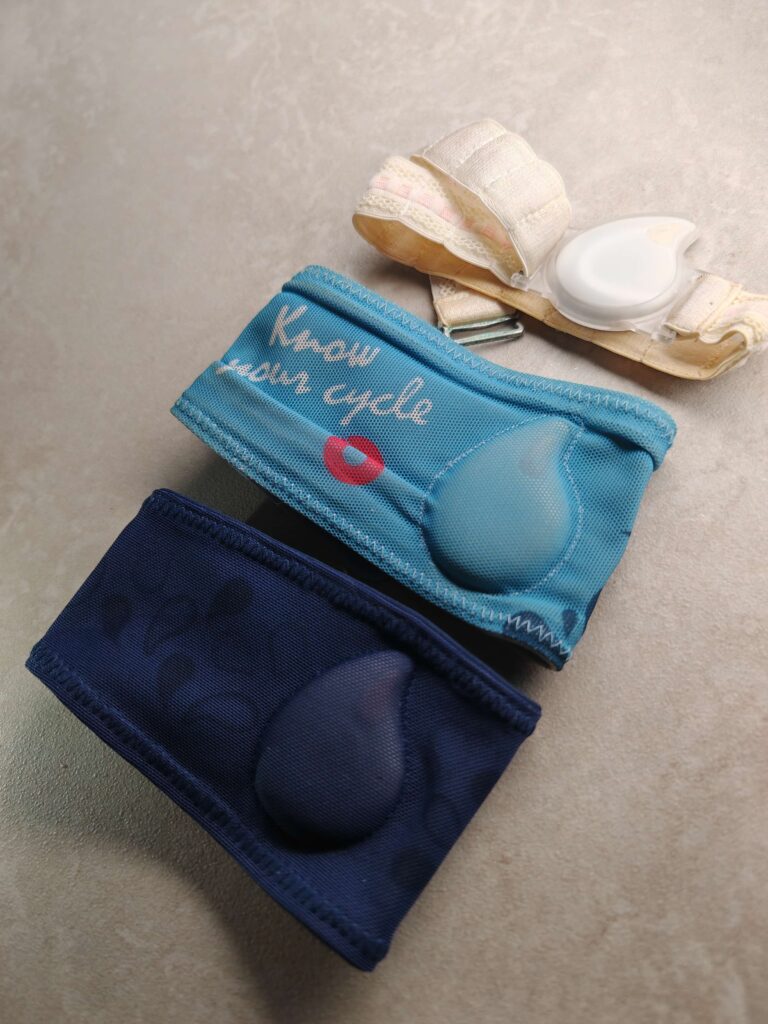
Tempdrop has been through a few iterations over time, from the original light-coloured strap to the versions we know today. For context, I’ve written a full review of my original Tempdrop here.
What Are the Similarities and Differences?
There are a few similarities and differences between the original Tempdrop and the new, Tempdrop 2.
Similarities
- Both are worn on the upper arm overnight, using a comfortable strap that keeps the device safely tucked inside.
- Both devices work on an algorithm to translate all of the temperature data points collected overnight, to produce one final temperature.
- Both have generally the same look with a singular button to press to turn it on or initiate syncing.
Differences – Tempdrop 1 vs Tempdrop 2
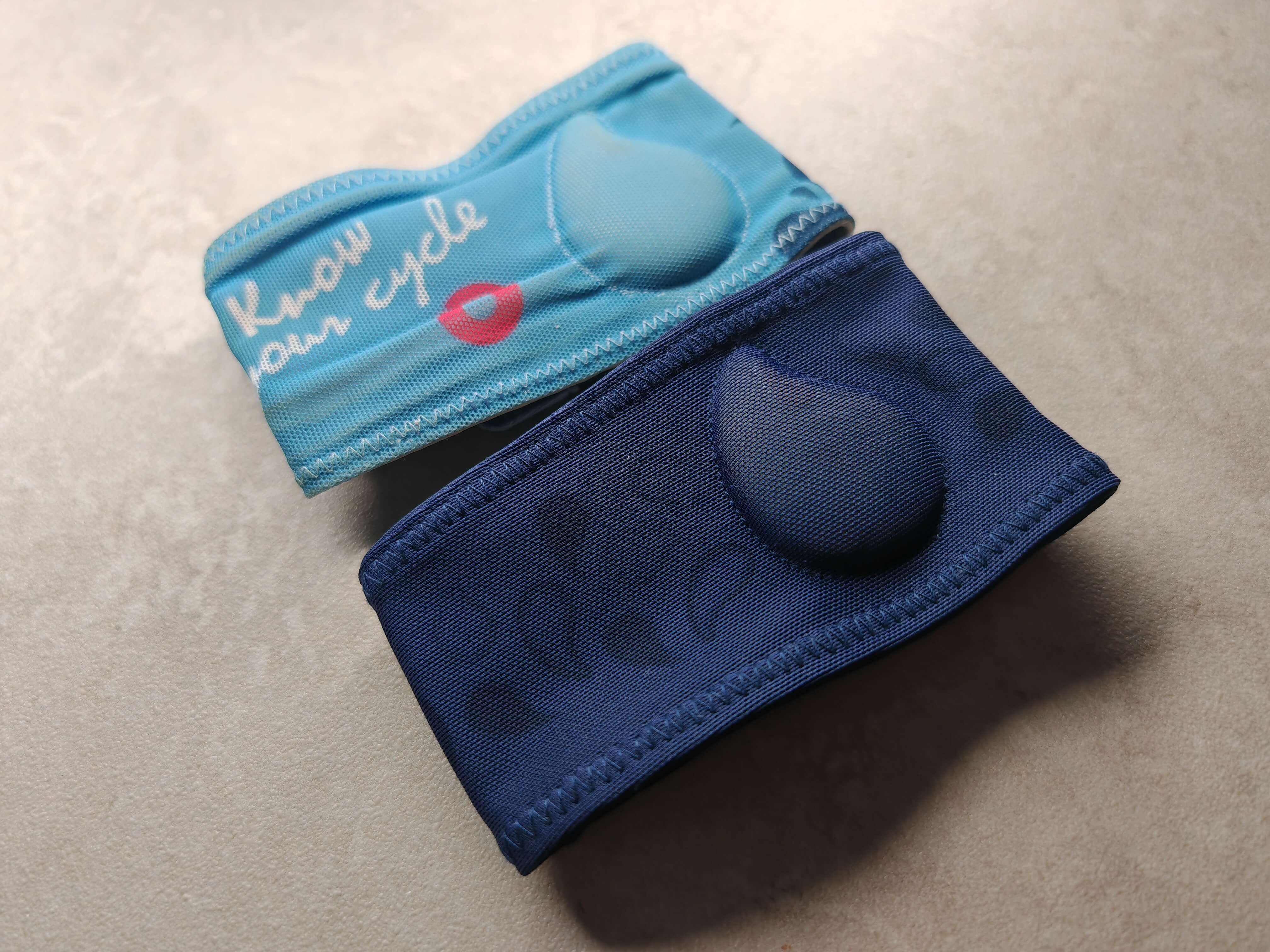
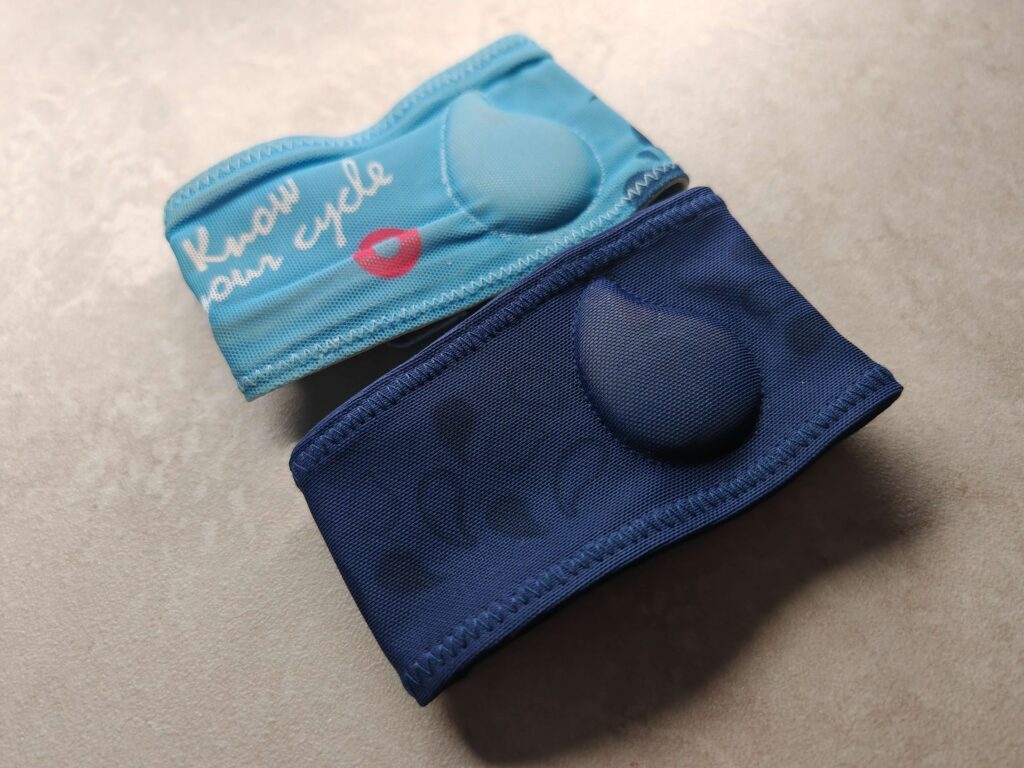
- Tempdrop 2 has a ‘new and improved’ fabric armband.
- The newer version has a battery door to help make battery changes easier.
- The original Tempdrop can hold 24 hours of data (about 3 eight-hour sleeps) while the new version can hold 60 hours (about 7 sleeps). This means that, with the newer version, you could theoretically wear it for a week before needing to sync it.
- Tempdrop 2 syncs in 10 seconds while the former version takes around 60 seconds.
- Firmware is updated automatically on Tempdrop 2 while you would need to do this manually with the original.

Conclusion
Given that both versions still utilise the same technology, I’d be comfortable choosing either device and have happily been using the original version up until deciding to take the leap to upgrade.
The features that personally ‘sold’ the newer version to me was the battery door and the faster syncing. I previously ran into some trouble with changing the battery of an old Tempdrop in the past and had to claim a new one under warranty – while the company are excellent with customer support in my experience, I’m hoping the battery door will eliminate any issues in the future. I also love the idea of faster syncing, especially when in a rush to get all of my FAM data recorded so I can continue my day.
In summary, I’d recommend either device to someone looking to simplify their temperature-taking when practicing a FAM method that calls for temperatures.
If you’re interested in purchasing a device, you can use my Tempdrop discount code SARAHC here.